
workflow
What changes when every machine shares one window?
A practical tour of the VNC, RDP and SSH workspace.
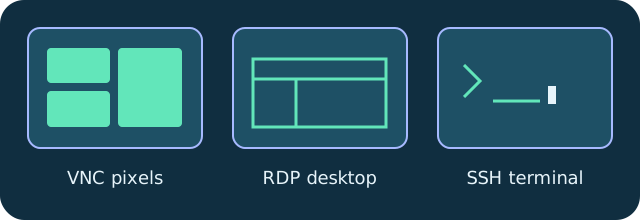
DeskVNC brings VNC desktops, RDP sessions and SSH terminals into one native Rust and Tauri 2 client for Windows, macOS and Linux. Start with the protocols your machines already speak and keep the everyday workflow in one host library.
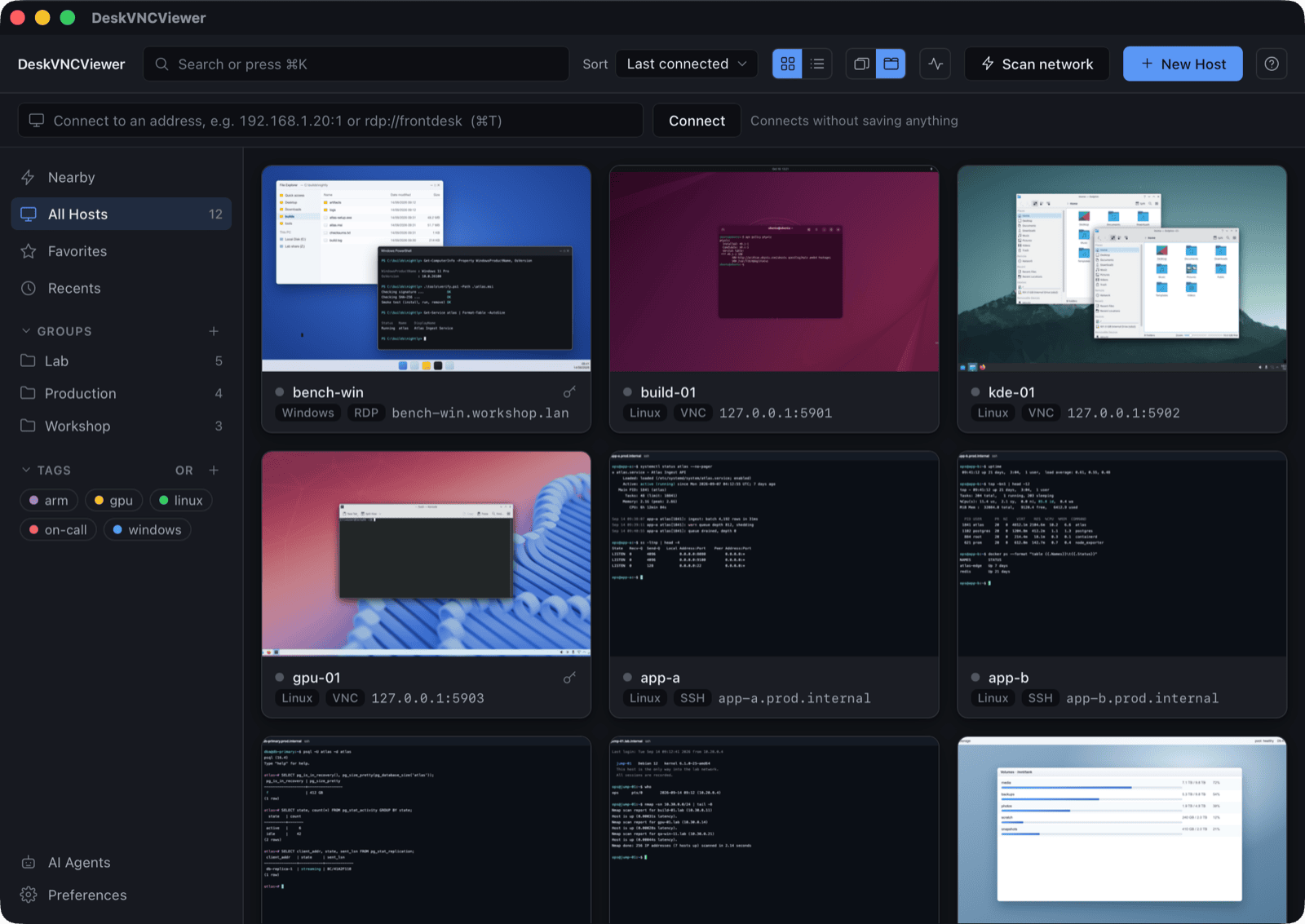
Create a saved host with its protocol and address, then open it from the library. Profiles carry connection settings, while passwords live in the operating system keychain. Live thumbnails help you recognize the right machine before opening it.
Sessions open in tabs. Split a tab into panes to keep a Windows desktop over RDP beside a Linux desktop over VNC and an SSH terminal. The protocol can differ between panes; the workspace stays familiar.
Choose the build for your platform from the upstream releases page, follow the installation notes, and connect to a remote service that you are authorized to use. A connection client uses the network and service you already operate.
Try the workflow
- Download DeskVNC from upstream releases.
- Add a host profile with protocol and address.
- Open the host and arrange tabs or split panes around your task.
Technical reference: DeskVNC upstream documentation. Reviewed against the saved UPSTREAM-README.md snapshot.